

Wedding table plan
A wedding table plan for the entrance, in your invitation's design
Once your guests are seated, TheVows turns the seating into the table plan guests read at the entrance, with every name under its table, and a number card for each table, in the same design as your invitation.Arranging the tables themselves happens in the seating chart maker; this page is about the plan you print and put up on the day.Prefer not to send them yourselves? TheVows can send the invitation and reminders for you by WhatsApp, SMS and email, from our own business number, only to those who haven't replied. Every plan includes a number of these messages, and message packs add more.
A sign for the entrance
The table plan comes as a large print file, sorted by table, so guests find their names at a glance.
Table numbers and place cards
A number card for each table and place cards that follow your seating.
In your invitation's design
The prints use your invitation's look, so the day matches what guests received.
Always the latest seating
Move a guest and print again: the files follow the seating as it is now.
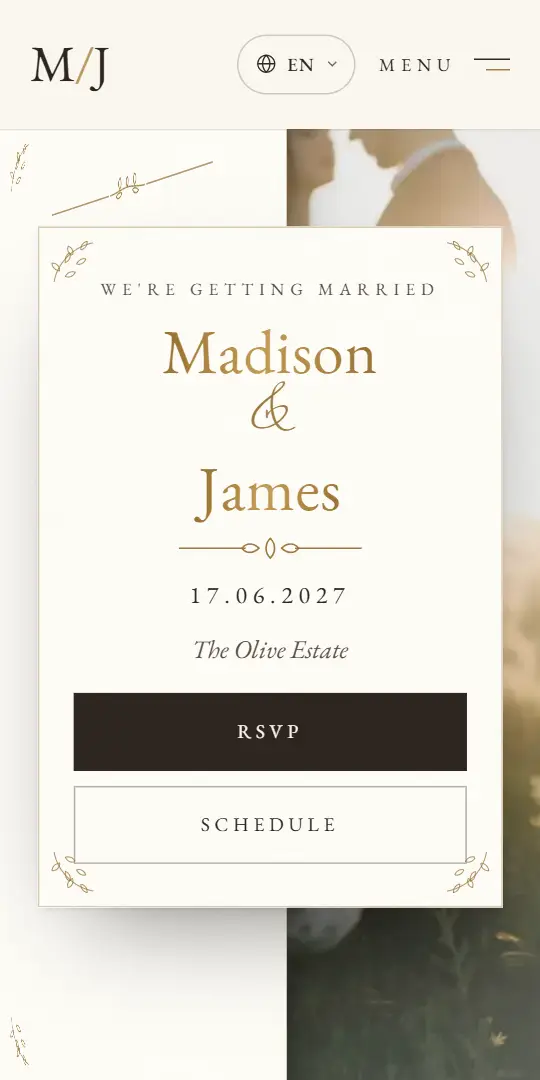
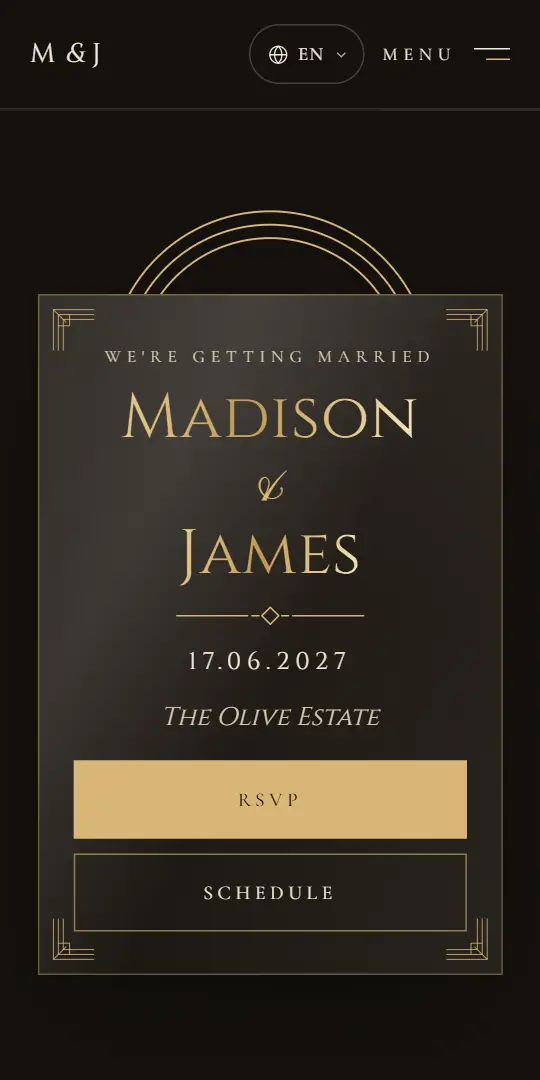
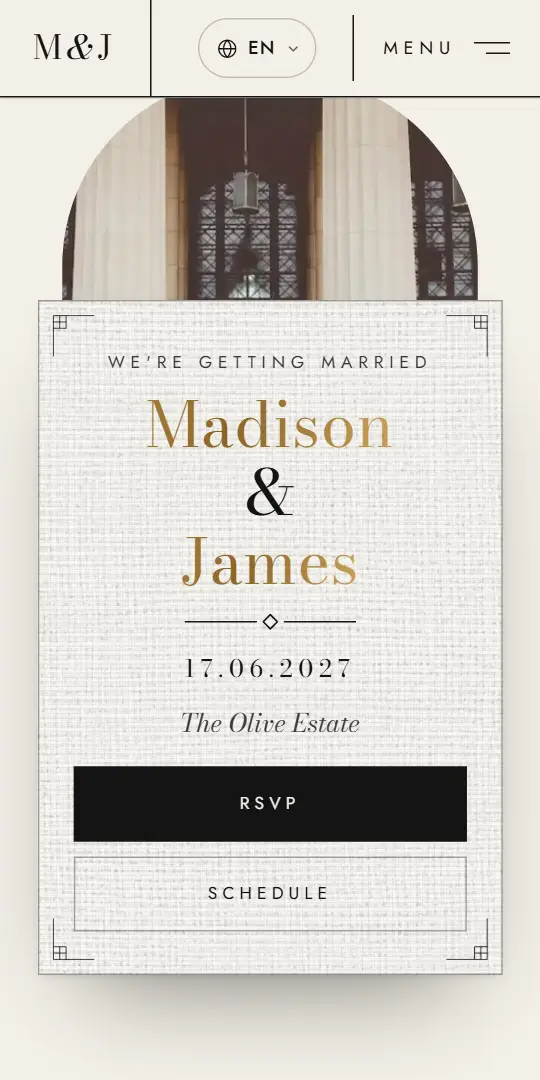
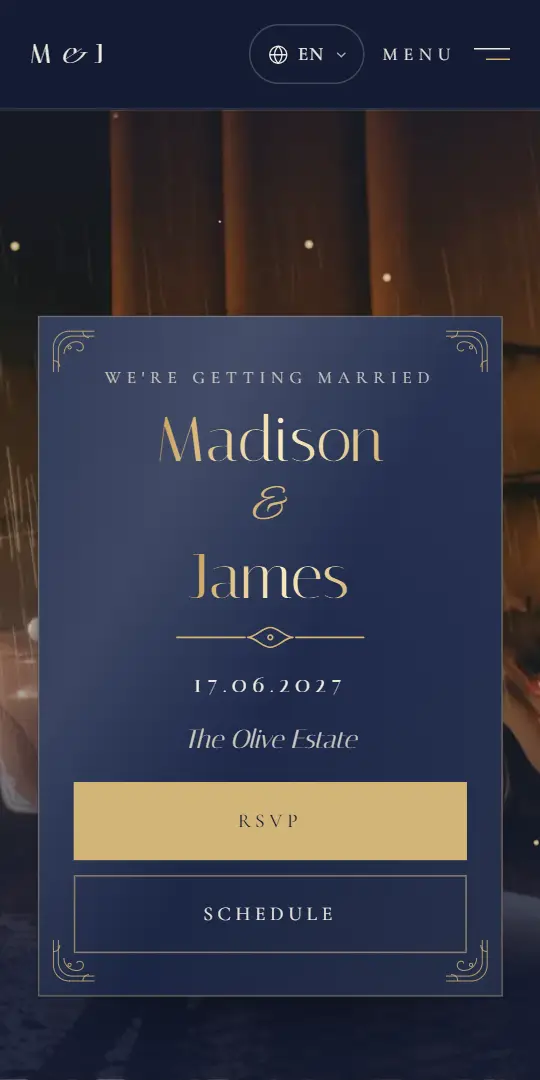
One design from invitation to table plan
The table plan follows your invitation's design. A few of them:
Questions
Is a table plan the same as a seating chart?
It's what guests see on the day: the sign at the entrance and the table cards. You arrange the tables in the seating chart maker, then print the plan from it.
What sizes can we print?
A large table-plan sign for the entrance, table number cards and place cards, as print-ready files.
Does it match our invitation?
Yes. The prints use your invitation's design.
What if we change the seating after printing?
Print again: the files always follow the current seating.
Which plans include the prints?
Seating is in every plan; the printable files open once your plan is paid.
Try the seating in the demo
Seat guests at tables and see the prints in a couple's dashboard, without signing up.