Wedding seating
A wedding seating chart that builds itself from your RSVPs
Add your tables and the room's elements, then drag guests onto tables or tap a name and then a table. Families stay together, and you see at once when a table runs over.Auto-arrange can fill the free seats for you, with a preview first; guests you've already seated stay put. Seating is on every plan.
A tidy pack for the venue
Final numbers, meals and dietary needs, seating by table and by name, a seating poster and the floor plan, as PDF or Excel, plus a private link that always stays up to date.
Private by design
The venue pack never includes phone numbers or gift details.
Find my table
A QR code at the venue lets an invited guest type part of their name and see where they're sitting, when you choose to show it.
A hostess mode
At the entrance: search a name, see the table, tap when they arrive.
Part of your wedding website
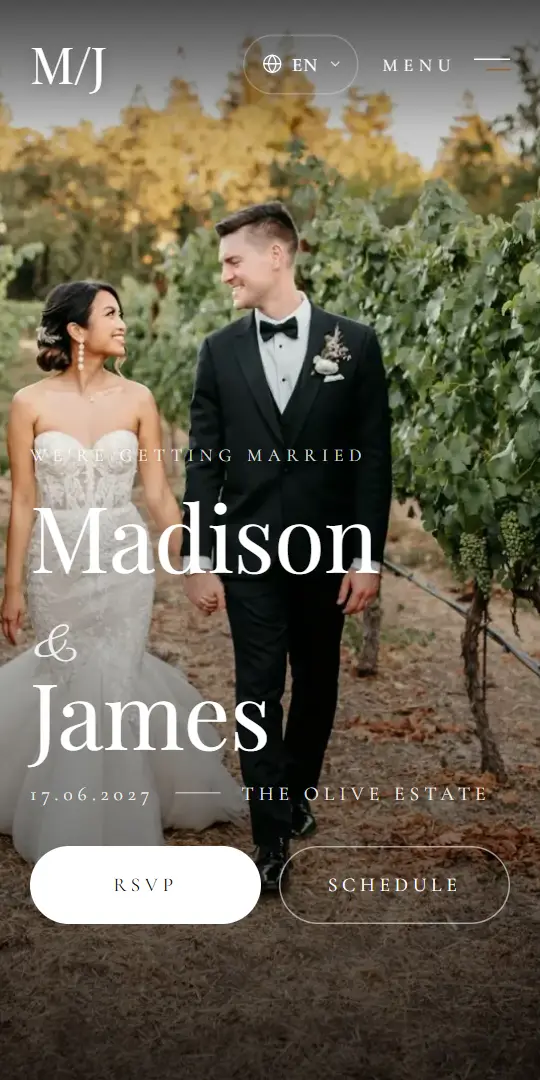
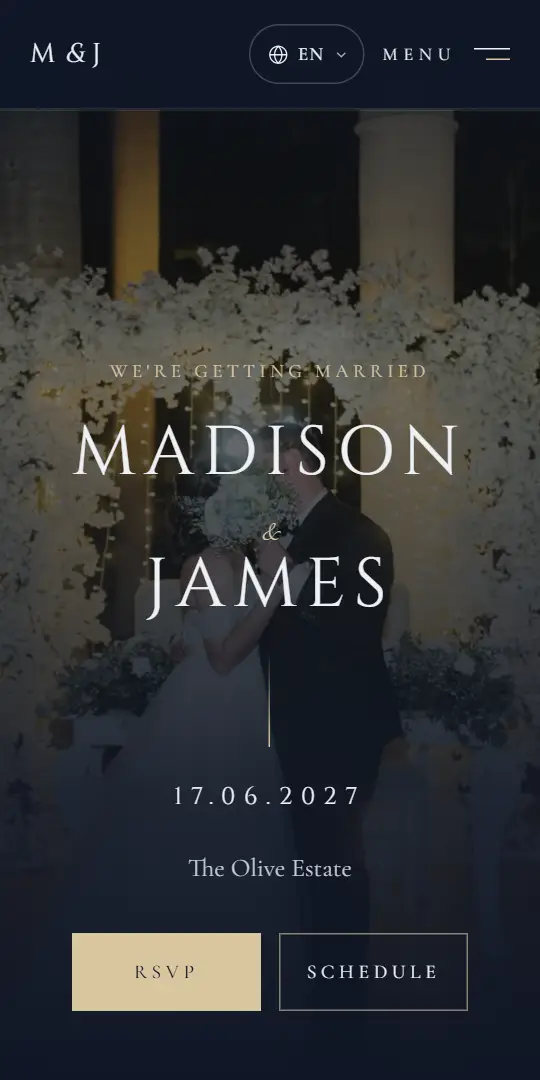
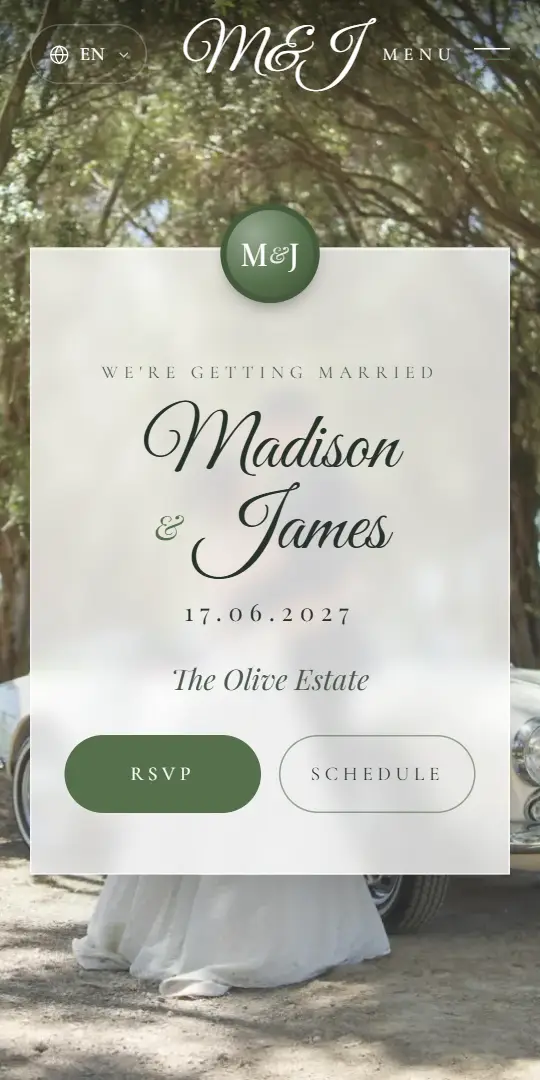
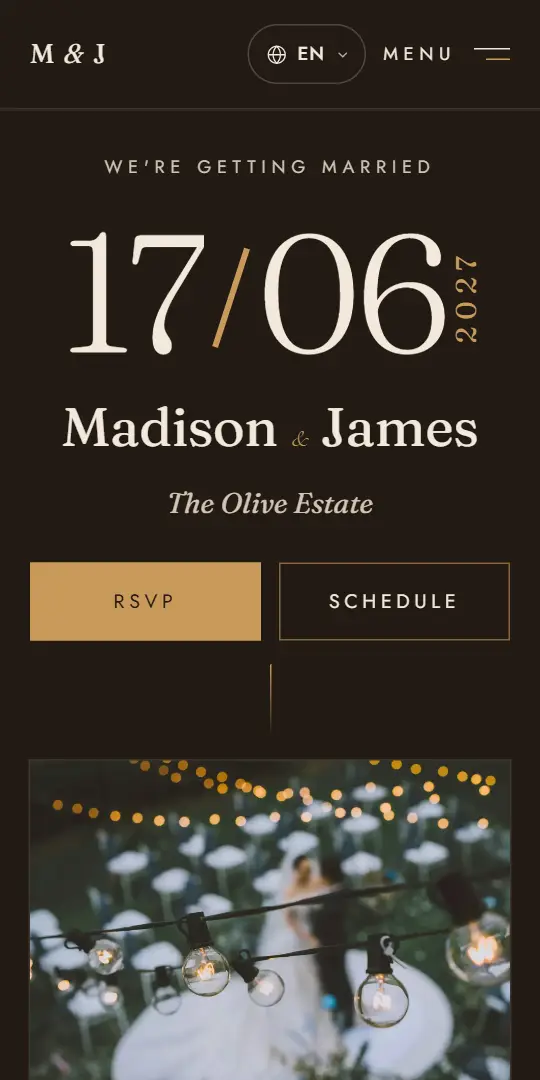
Seating works from the same guest list as your invitation and website. A few of the designs:
Questions
Is seating included in every plan?
Yes. Seating is on every plan.
Can each celebration have its own seating?
Yes. A celebration can have its own seating plan, use the main celebration's seats, or have no seating at all.
What file does the venue get?
Choose the celebration and the pack's language, then download a PDF, an Excel file, a CSV or a seating poster, or create a private link for the venue.
Can guests see their table?
Yes, when you choose: tables stay hidden, appear automatically on the wedding day, or show now.
Try the seating in the demo
Walk through a couple's dashboard with guests, celebrations and seating, free and without signing up.