

Seating chart maker
Make your wedding seating chart in four steps
A seating chart maker that works from your guest list: everyone who said yes is ready to seat, with the meal they chose. In the UK this is your table plan, and it works the same way.Prefer not to send them yourselves? TheVows can send the invitation and reminders for you by WhatsApp, SMS and email, from our own business number, only to those who haven't replied. Every plan includes a number of these messages, and message packs add more.
1. Add your tables
Add each table with its number of seats, and the room's elements, for each celebration.
2. Seat guests from your RSVPs
Drag a guest onto a table, or tap a name and then a table. Families stay together, and you see at once when a table runs over.
3. Let auto-arrange fill the rest
Auto-arrange fills the open seats, with a preview before it changes anything; guests you've seated stay put. Keep people together or apart, or lock a table.
4. Download and share
Download the chart by table and by name as PDF, Excel or CSV, print a seating poster, and give the venue a private link that stays up to date.
Part of your wedding website
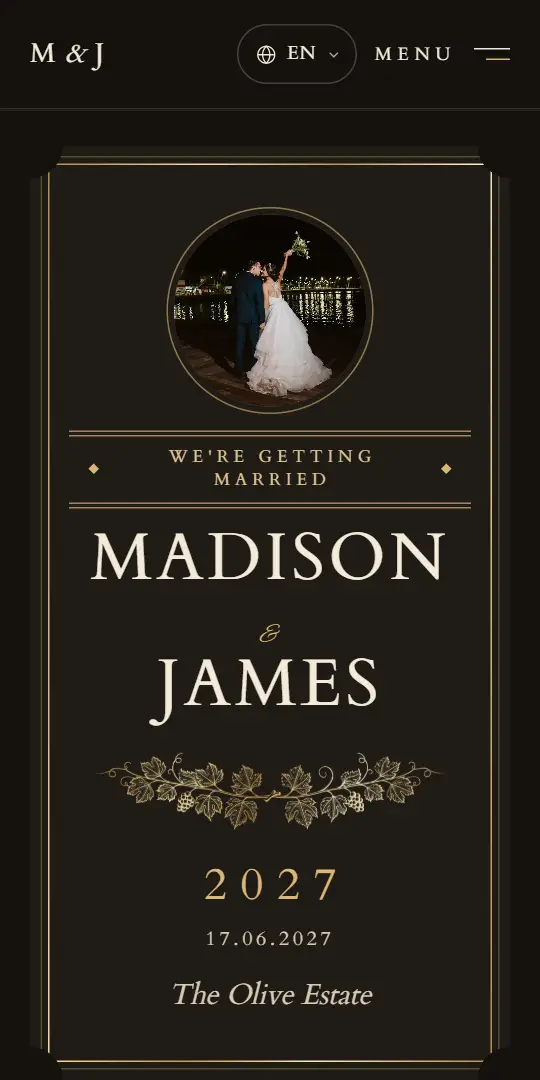
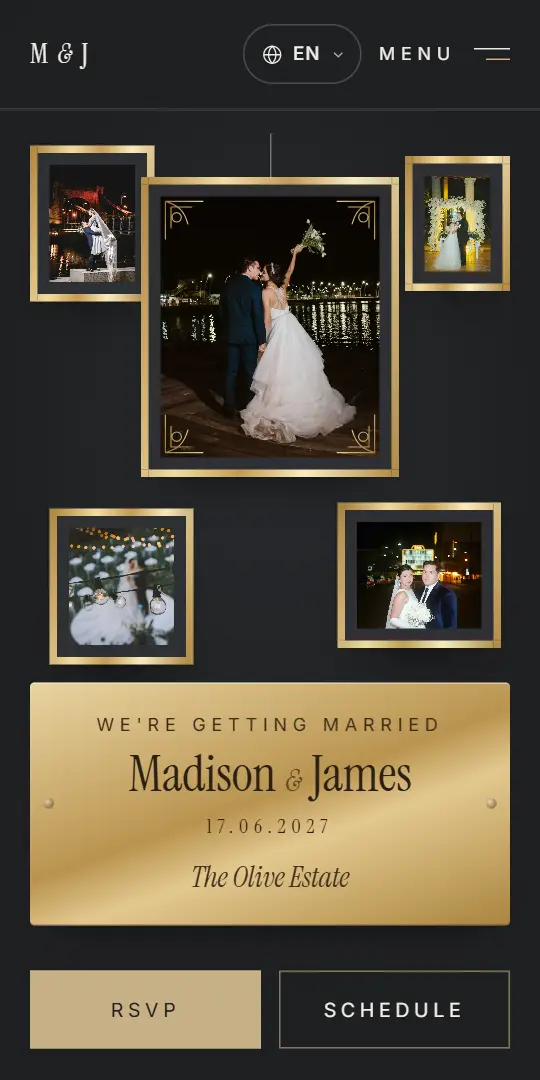
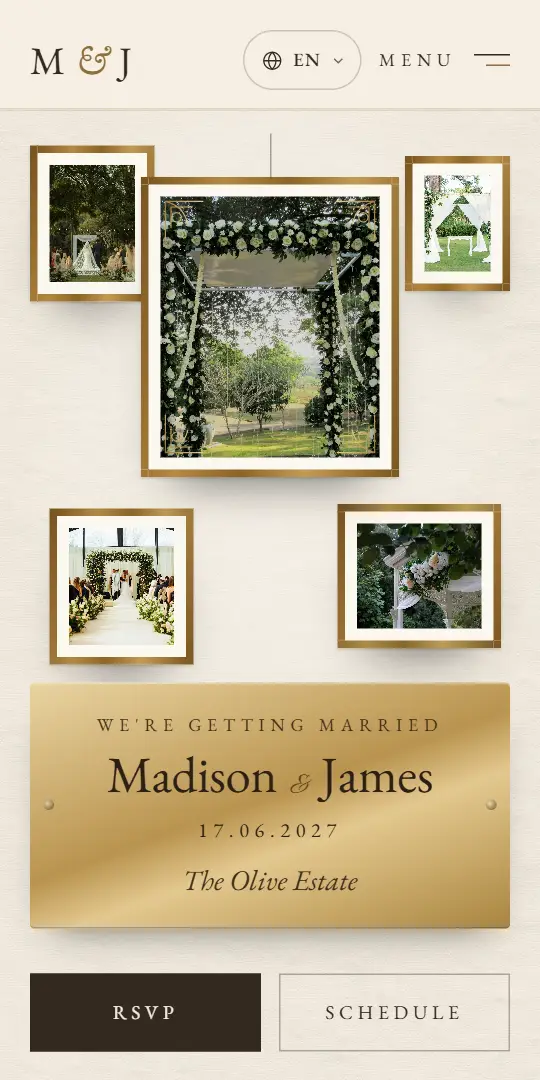
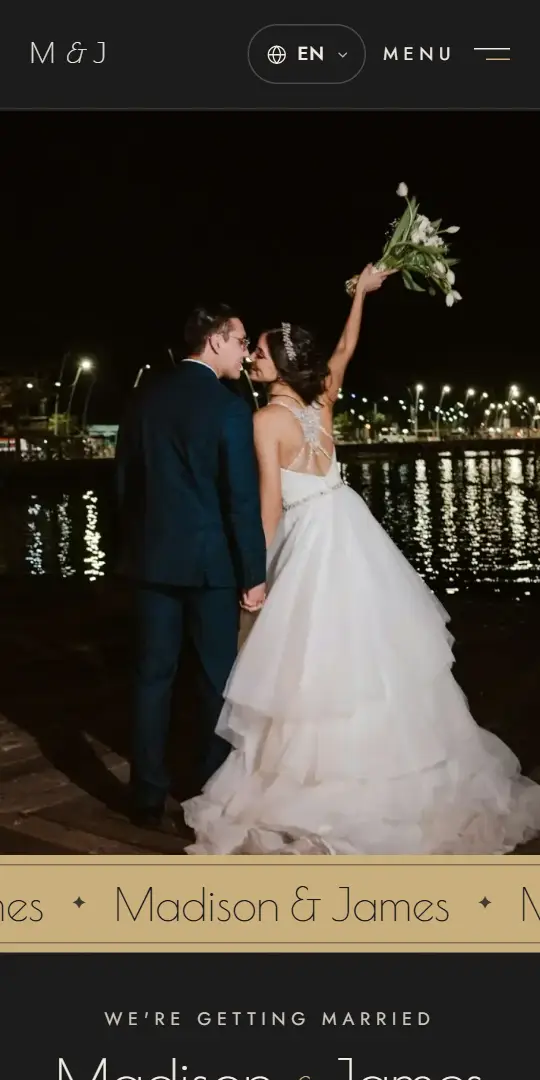
Seating works from the same guest list as your invitation and website. A few of the designs:
Questions
Is the seating chart included in every plan?
Yes. Seating is in every plan; the printable place cards and menus unlock once your plan is paid.
Is a table plan the same as a seating chart?
Yes. In the UK it's usually called a table plan. You build it table by table here, then download it by table or by name.
Can we start from a spreadsheet?
Your guest list, yes: import it from Excel or Google Sheets with the template. You make the table assignments here, then download them as Excel, CSV or PDF.
Can each celebration have its own seating?
Yes. A celebration can have its own seating chart, use the main celebration's, or have none.
What does the venue get?
Final numbers, meals and dietary needs, and seating by table and by name, as PDF or Excel, or a private link. Never phone numbers or gift details.
Try the seating chart in the demo
A couple's dashboard with guests, celebrations and tables, without signing up.