

Guest list organiser
One wedding guest list, organised by household
Bring in the lists you already have from Excel or Google Sheets. TheVows recognises the columns, groups families into households and merges the names that appear twice.The same list then runs everything else: each household's invitation link, its replies, the seating and the venue's numbers.Prefer not to send them yourselves? TheVows can send the invitation and reminders for you by WhatsApp, SMS and email, from our own business number, only to those who haven't replied. Every plan includes a number of these messages, and message packs add more.
Import what you have
Start from a spreadsheet with the template, or add households by hand. Columns are recognised and duplicates merged.
Households, not loose names
Each invitation is for a household and says exactly who is invited, so no one adds guests you didn't plan for.
Both families, one list
Parents and helpers can work on the same list with their own access, instead of copying between spreadsheets.
Export at any time
Download the list with every reply to Excel whenever you need it.
The list behind your invitation and website
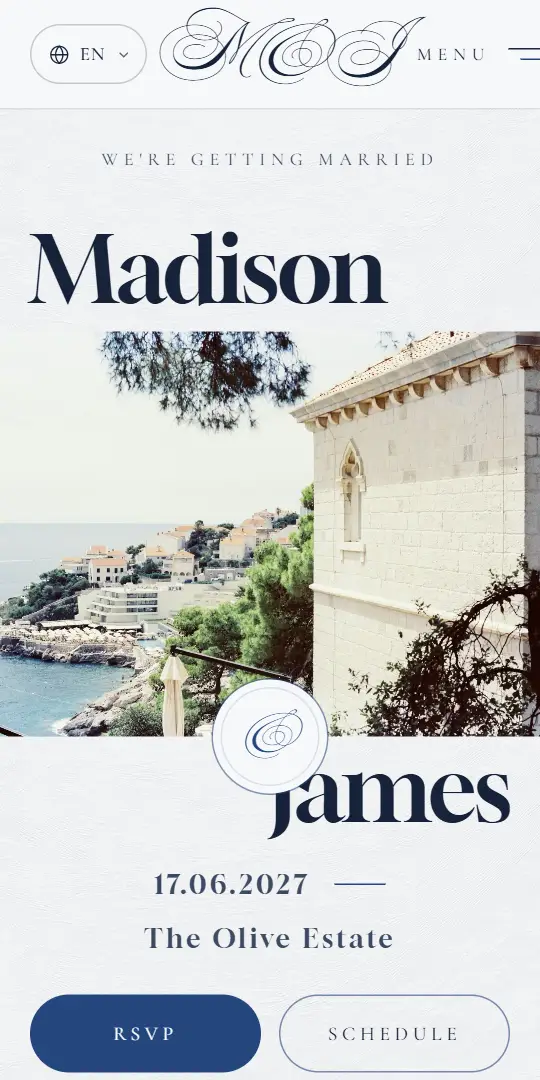
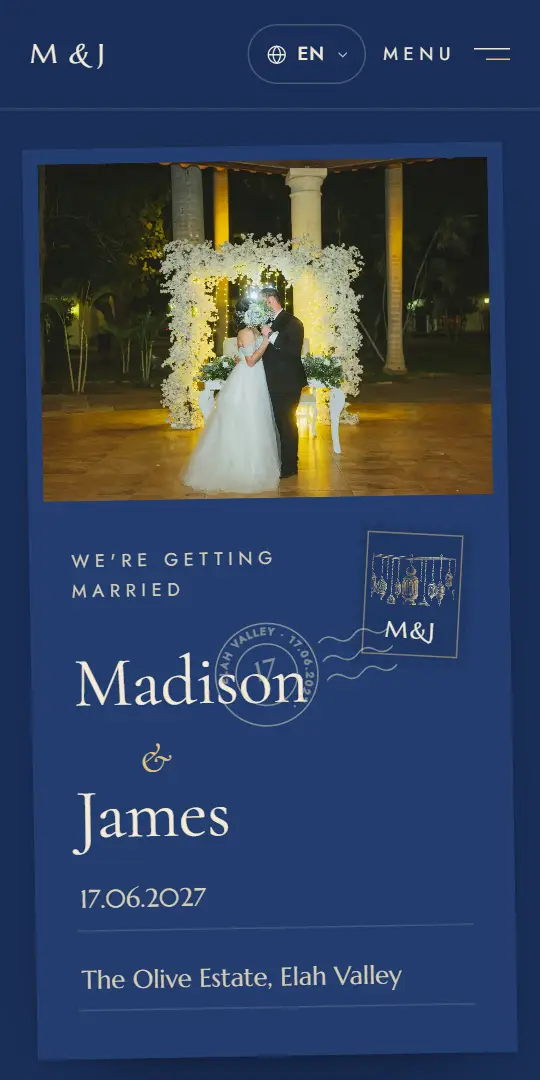
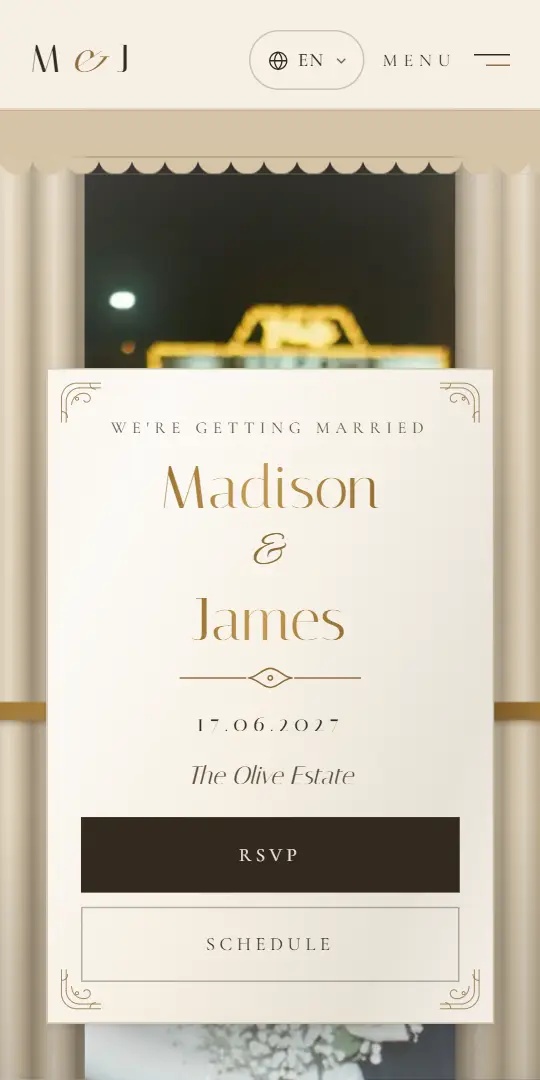
The guest list drives the invitation and the wedding website, which share one design. A few of them:

Questions
Can we import our guest list from Excel?
Yes. Use the template for Excel or Google Sheets; the columns are recognised and families grouped into households.
What happens to names that appear twice?
The import shows them and merges them, so the same family isn't invited twice.
Can our parents add their guests?
Yes. Helpers can work on the list with their own access.
Does the list connect to RSVPs and seating?
Yes. Replies, meal choices and seating all come from the same list.
Is there a limit on guests?
No. One payment per wedding, with no limit on guests or replies.
See a guest list in the demo
A couple's dashboard with households, replies and seating, without signing up.