A wedding seating plan your venue can work with
A seating plan starts with confirmed people, not a beautiful table map. Once guest counts and venue capacities agree, you can organise groups and prepare a useful handover.
TheVows team Updated 5 min read
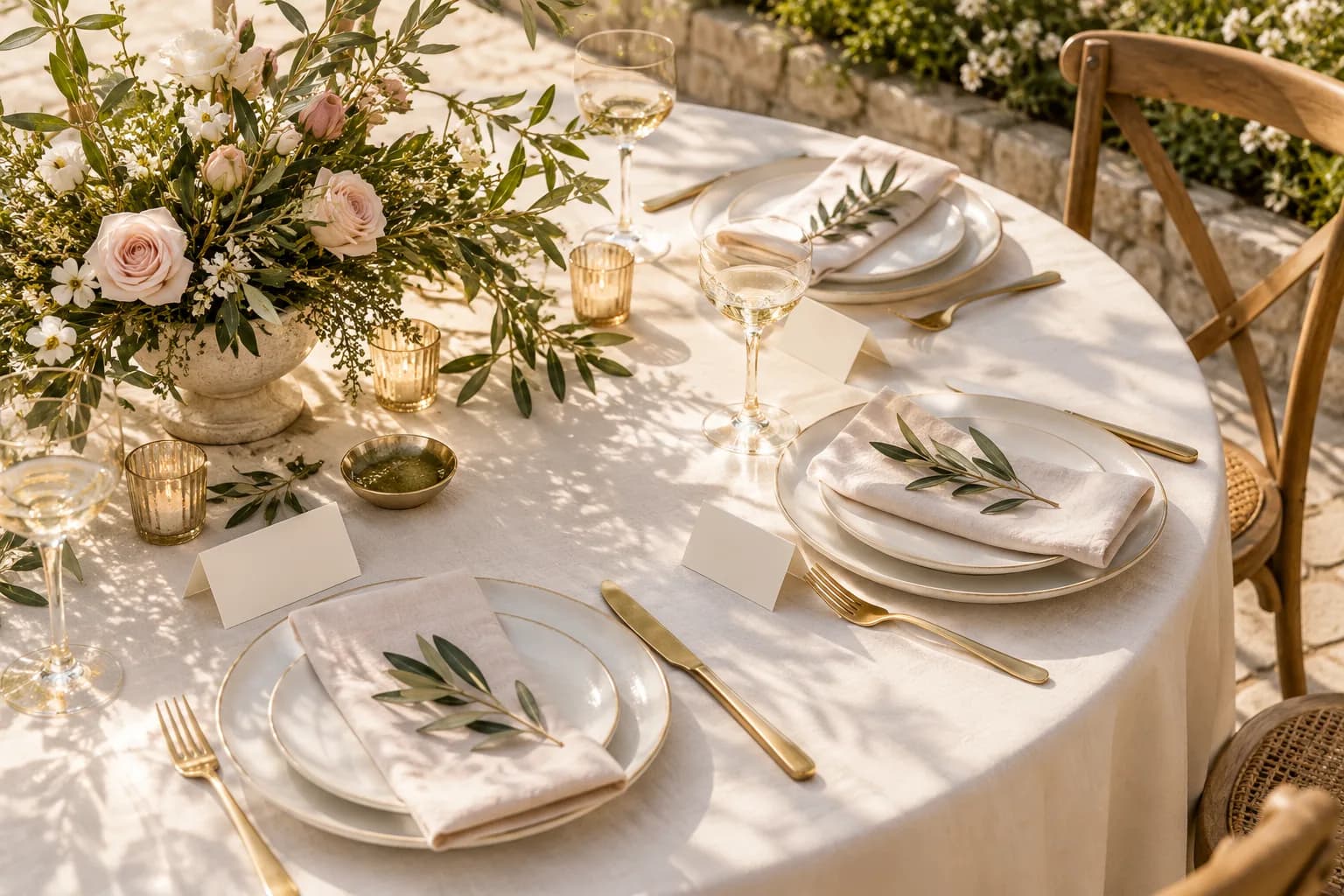
Keep one current guest list and reconcile it with table capacities before each venue handover.
Agree the room plan with your venue
Ask for the table layout and capacity of each table for your actual event. Check which table numbers are fixed, where access routes run and what can be moved. A software capacity estimate does not replace the plan agreed with the venue.
Start with confirmed attendees. Keep unanswered invitations separate and note decisions that depend on a reply. One late response should not require rebuilding the entire room.
Create groups you can adjust
Arrange families and friendship groups before fixing every position. Keep households together where practical, and check before splitting family members across tables. Discuss accessibility and practical requirements early with the guest and venue.
Do not fill tables solely by chair count. Compatibility, room for a child's chair and comfortable access can affect the decision. Empty places should be intentional rather than evidence of a forgotten guest.
Check the plan in both directions
Review once by table and once alphabetically by name. The table view reveals capacity problems and awkward groups. The name view helps find a confirmed guest without a seat or someone still listed after declining.
Reconcile the seated total with confirmed attendance for that specific event. Keep dietary requirements attached to the person so they do not disappear when a family changes tables.
- No table exceeds its agreed capacity.
- Every confirmed guest is seated or explicitly marked as unresolved.
- Guests no longer attending are removed from meal totals.
Send a clear handover with a version
Ask your venue contact which format works best: spreadsheet, printed list or private link. The key information stays the same: event, final totals, table and name lists, and relevant meal or dietary requirements.
TheVows includes a venue pack, print view, Excel export and private venue link. Check the actual format with your venue; no single export is universally accepted. Telephone numbers and gift details are not needed for seating.
After handover, route changes through one contact and record when the list was updated. A live link does not guarantee the venue will reopen it immediately before the event.
Before you finish
- Table capacities and numbers match the agreed venue plan.
- Seated totals match confirmed attendance for this event.
- The lists have been checked by table and by name.
- The venue has a dated version and knows who coordinates changes.
Questions along the way
When should we start assigning tables?
You can form groups early, but the final plan needs confirmed RSVPs and the agreed room layout. Leave room for changes until your counts are closed.
Should we share every guest detail with the venue?
No. Share what is required to run the event, such as names, table assignments and relevant meals. Telephone numbers and gift information are not needed for seating.
Explore seating before the handover
TheVows demo introduces the table map and guest-management tools. Check the venue pack and export format against your own venue's requirements.
Explore the demoCreate our invitation
See how the details come together. Start with your names, then choose an invitation and a design for your wedding website.
Create our invitation